 Ludo Lantern
Ludo Lantern
The classic board game, made for today. Play real people around the world, team up with a friend, or play together on one Wi-Fi with no internet at all.
Free to play · English & Arabic · Android & iPhone
Four ways to play
Every game can be played at your level: Friendly, Pro or Master rules.
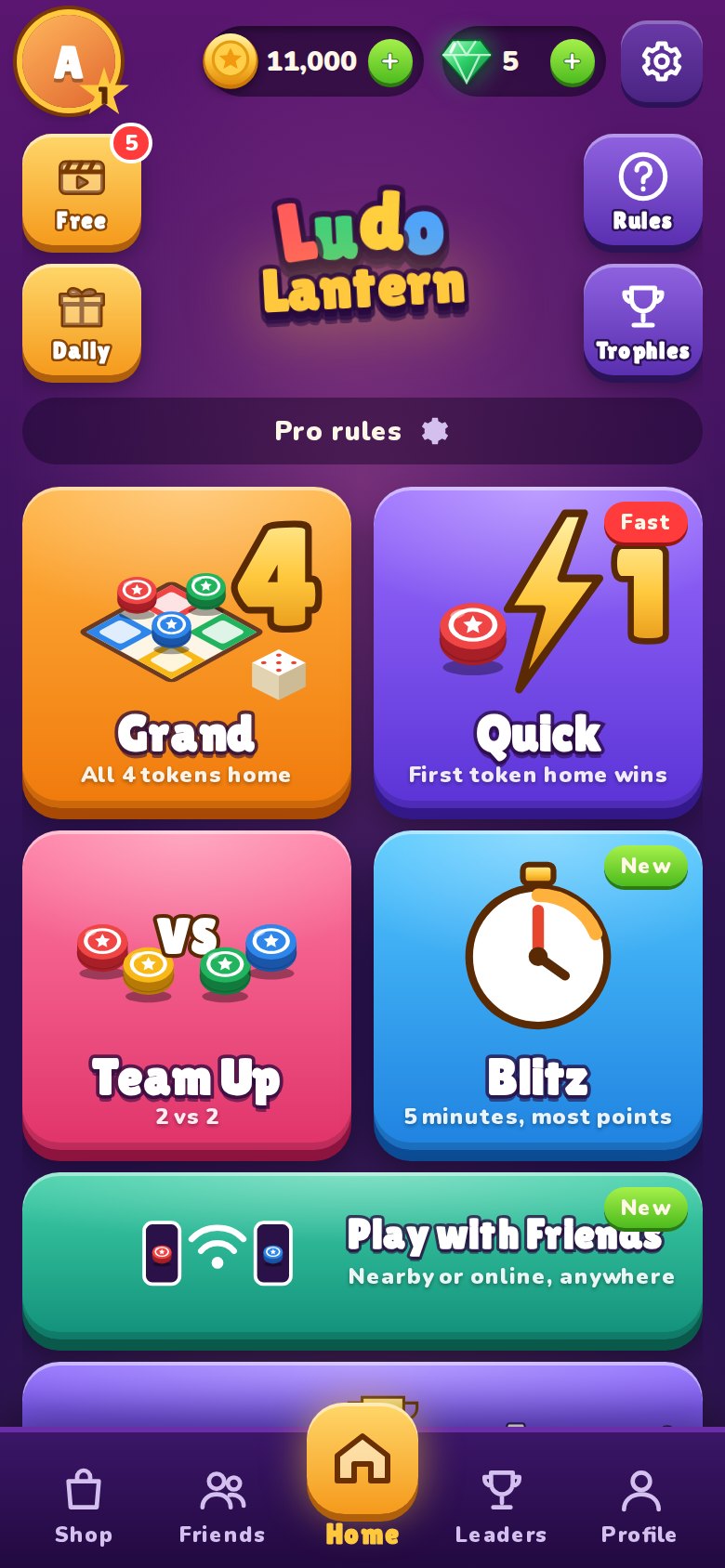
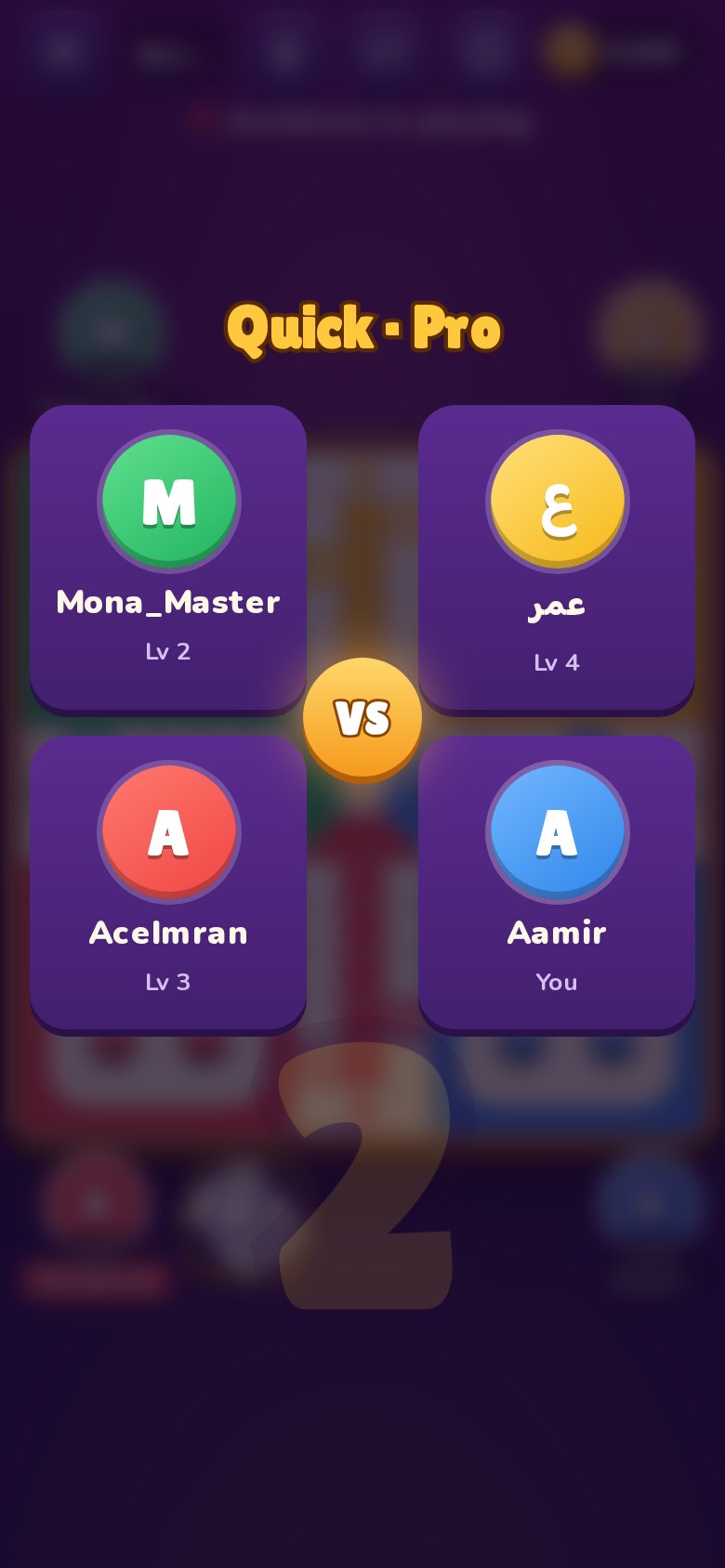
Quick
The first token home wins. Fast, tense and perfect for a short break.
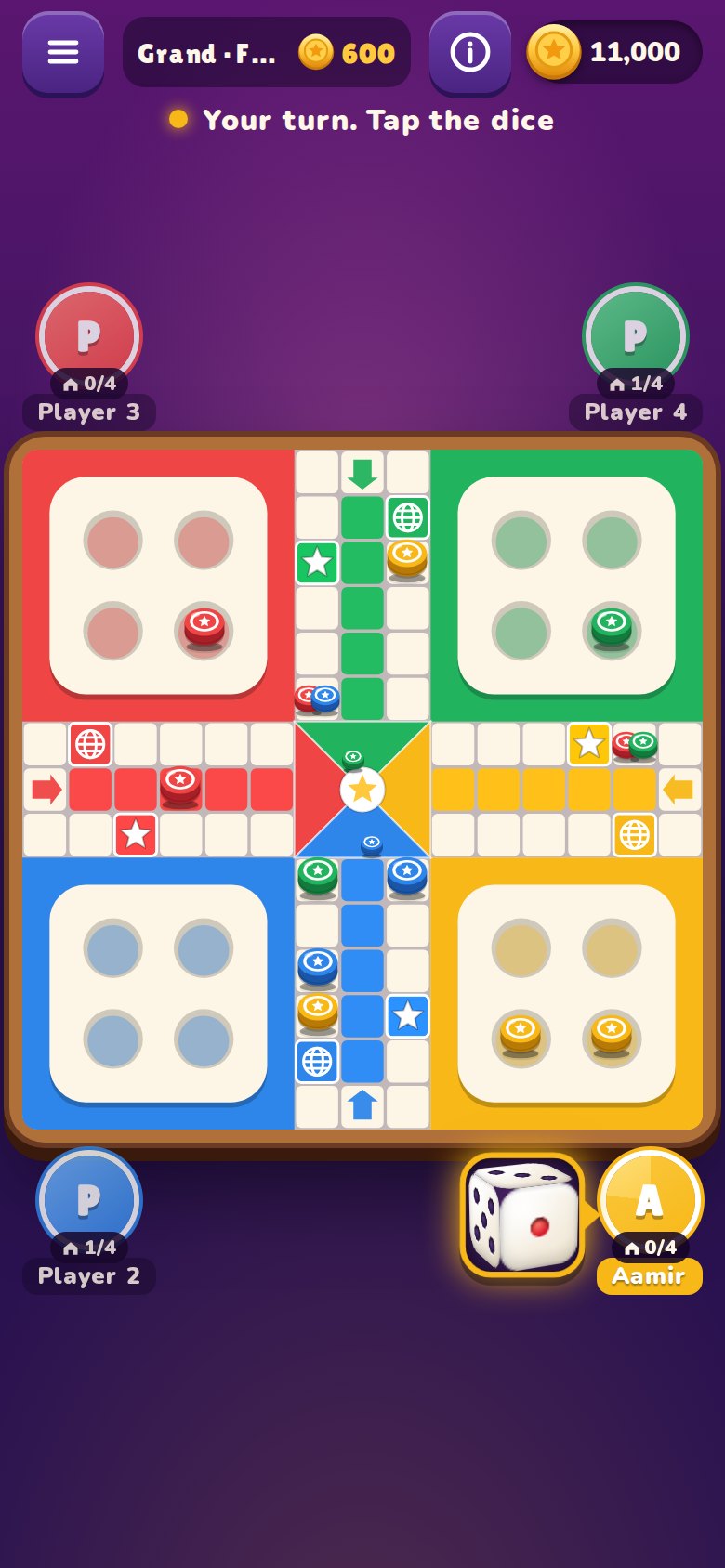
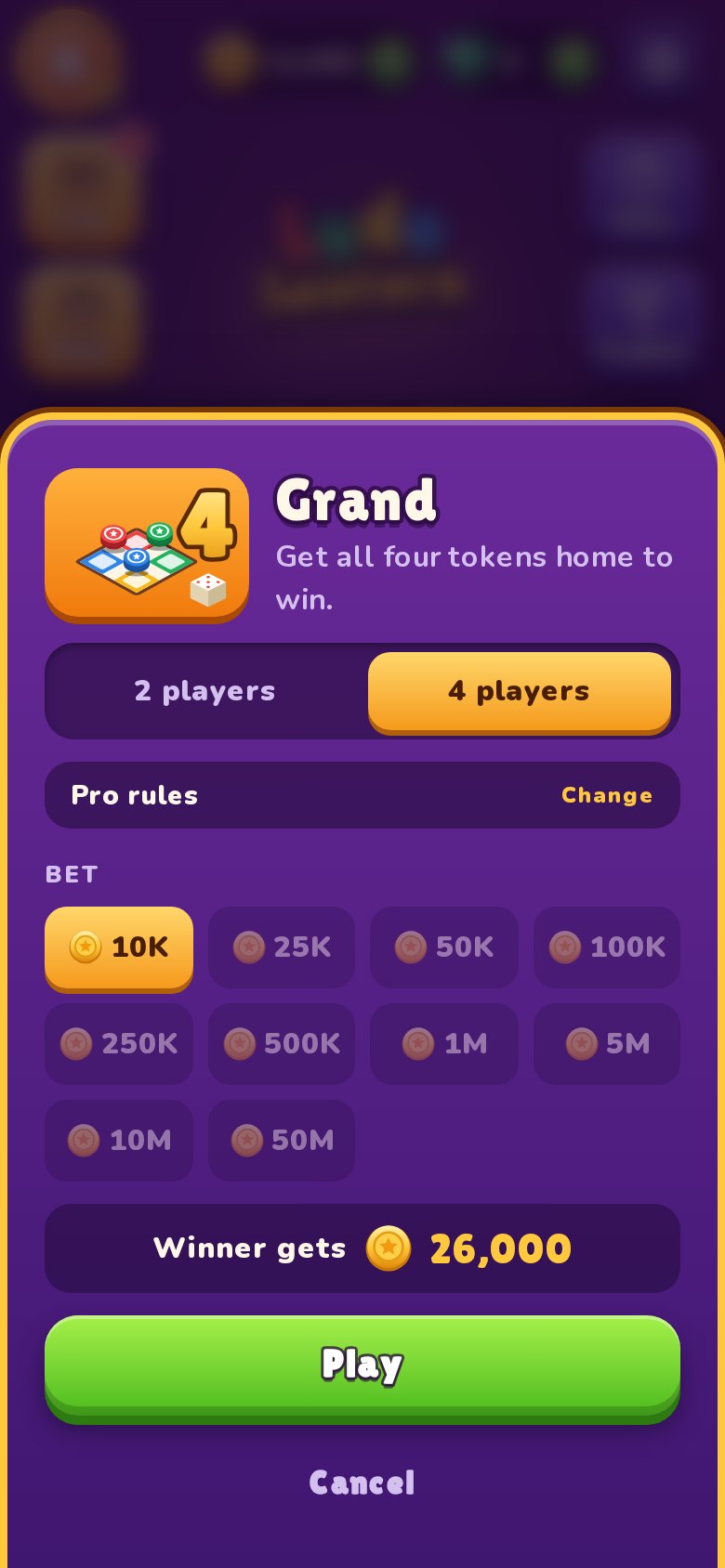
Grand
Race all four tokens home. The full game of strategy, kills and comebacks.
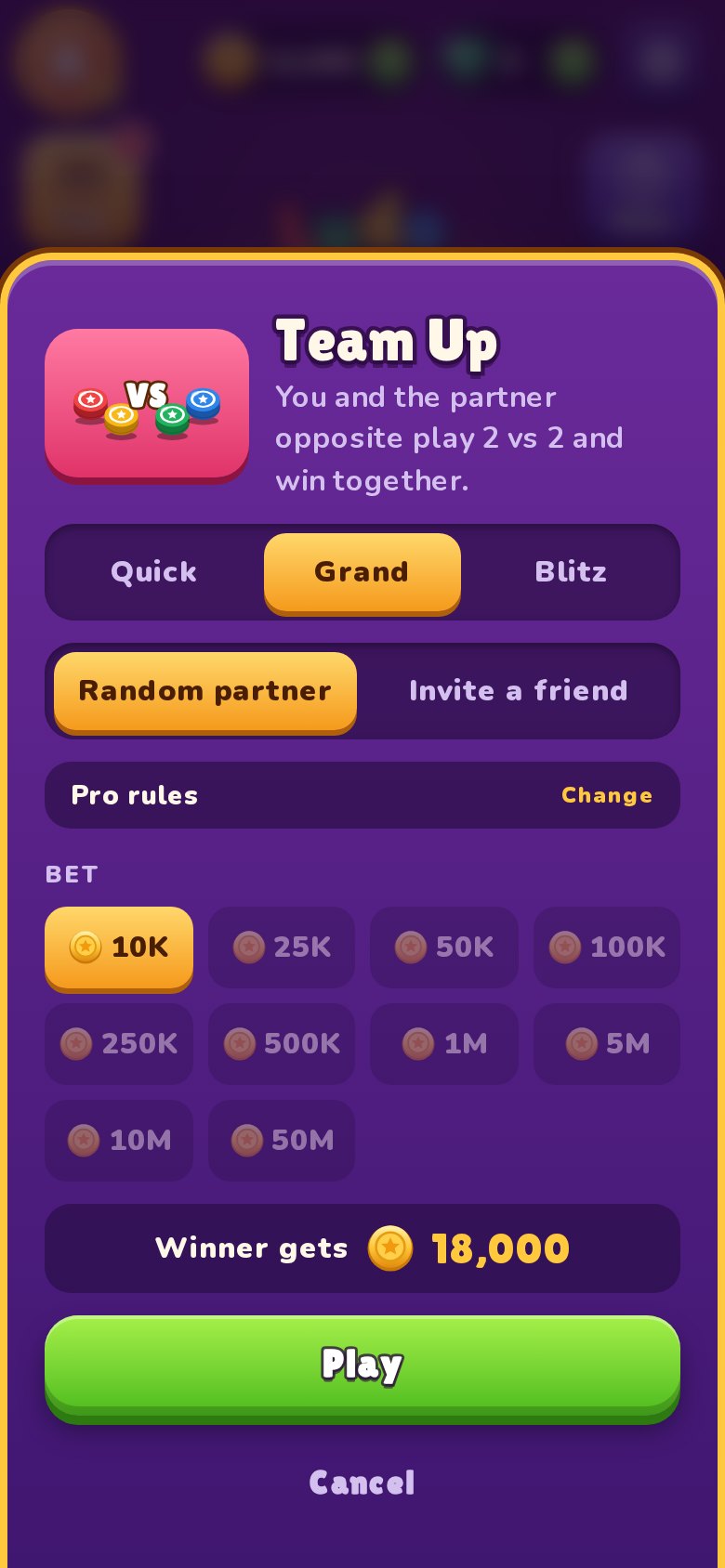
Team Up
Play with a friend or a random partner. Share your dice and win together.
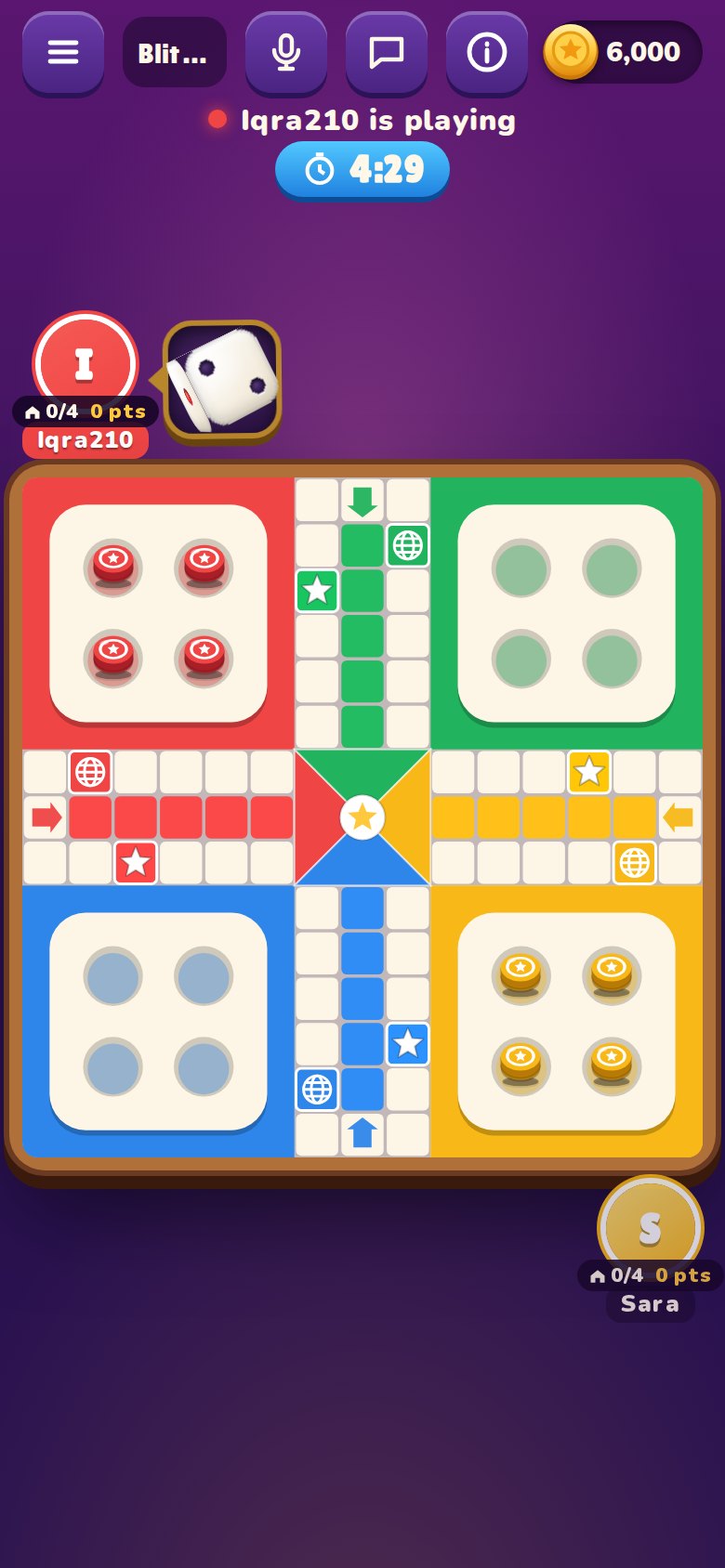
Blitz
Five minutes on the clock. Points for every step, kill and token home.
Everything a Ludo fan wants
Built for fair, friendly competition, online and offline.
Play worldwide
Get matched in seconds with players who picked the same game, rules and stake.
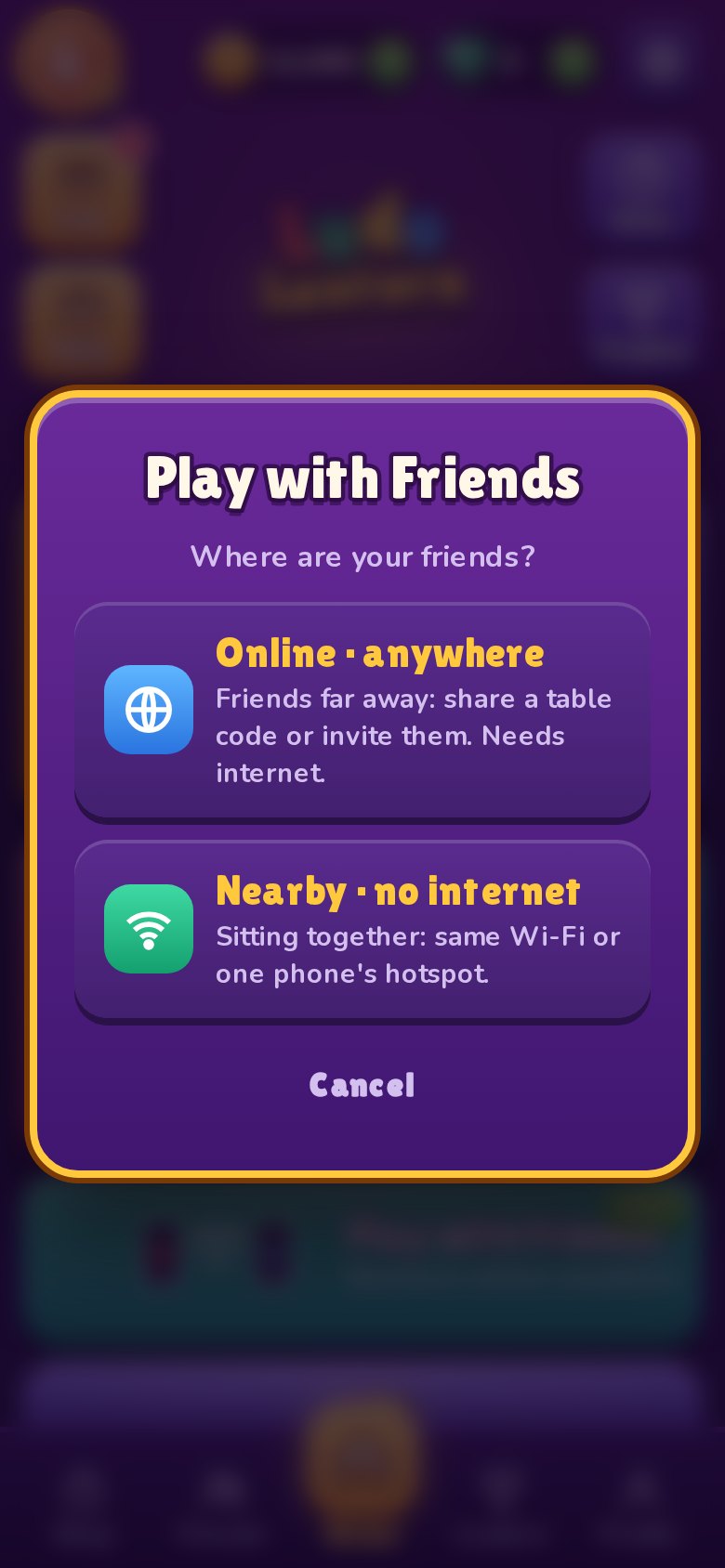
Friends, no internet
Sitting together? Join one phone's Wi-Fi or hotspot and play, even with no internet.
Friends far away
Create a private table, share the code on WhatsApp, and play from anywhere.
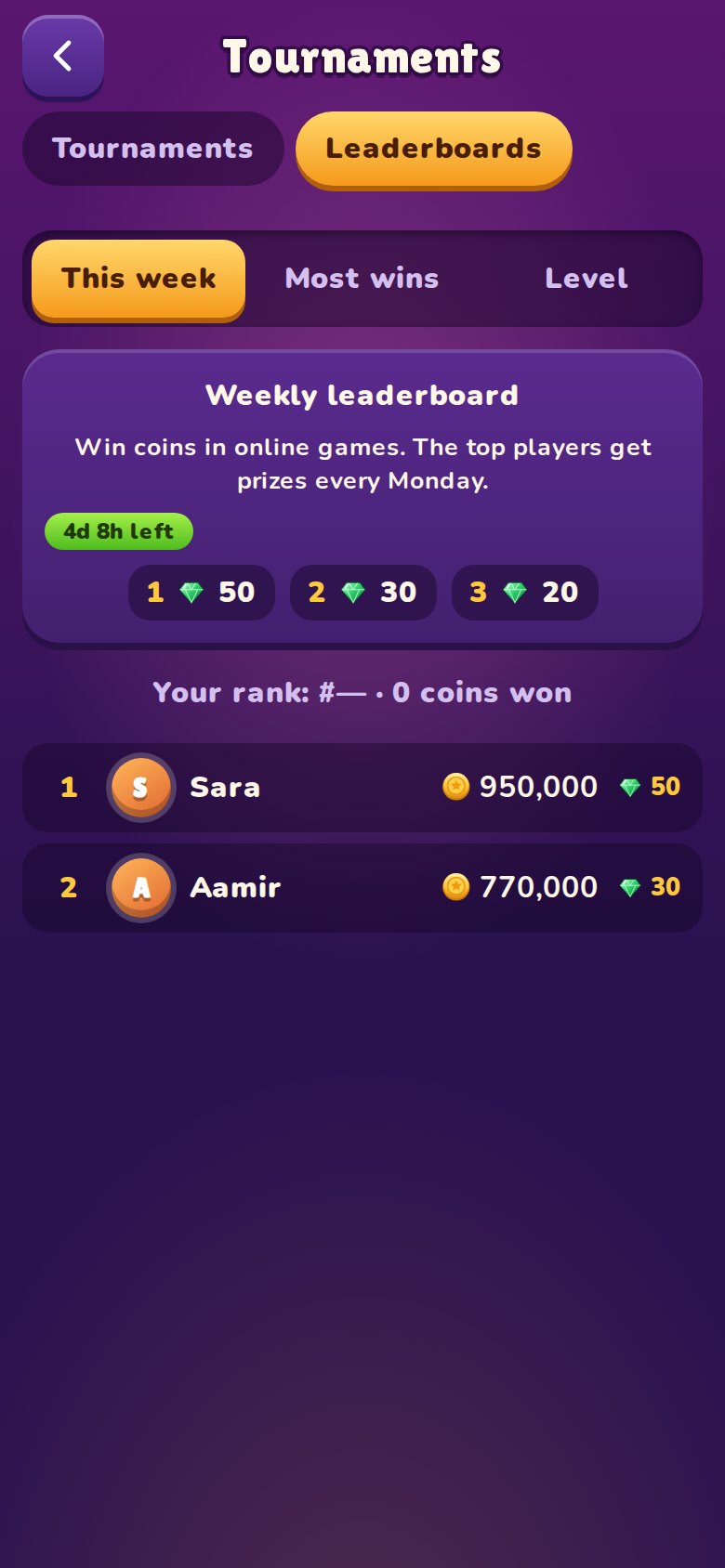
Weekly leaderboard
Win coins online to climb the board. Top players win gems and coins every Monday.
Tournaments
Join once, play at your own pace all week, and the most wins take the prizes.
Chat, emojis & voice
Quick chat and emojis for everyone. Voice with friends only when you both turn it on.
A closer look
Swipe through the game.
Questions
Is Ludo Lantern free?
Yes. The game is free to download and play. You can optionally buy coins, gems or cosmetic items. Nothing you buy makes the dice better.
Can I play without internet?
Yes. Play against the computer anywhere, or with friends sitting with you: one phone hosts, the others join its Wi-Fi or hotspot. No internet needed.
Are the dice fair?
Online, the dice are rolled by our server, never by a phone, and every player gets exactly the same chances. Read more on our fair play page.
Can coins or gems be exchanged for money?
No. Coins and gems are for fun only. They have no cash value and can't be sold, withdrawn or exchanged for money.
How do I keep my progress on a new phone?
Sign in with Google or Apple in Settings. Then sign in again on the new phone and your coins, gems, level and friends come with you.
How do I delete my account?
In the game: Settings → Account → Delete account. Or see Delete your account.
More answers on the support page, or write to support@ludolantern.com.