 Ludo Lantern
The classic board game, made for today. Play real people around the world, team up with a friend, or play together on one Wi-Fi with no internet at all.
Free to play · English & Arabic · Out now on Android, iPhone coming soon
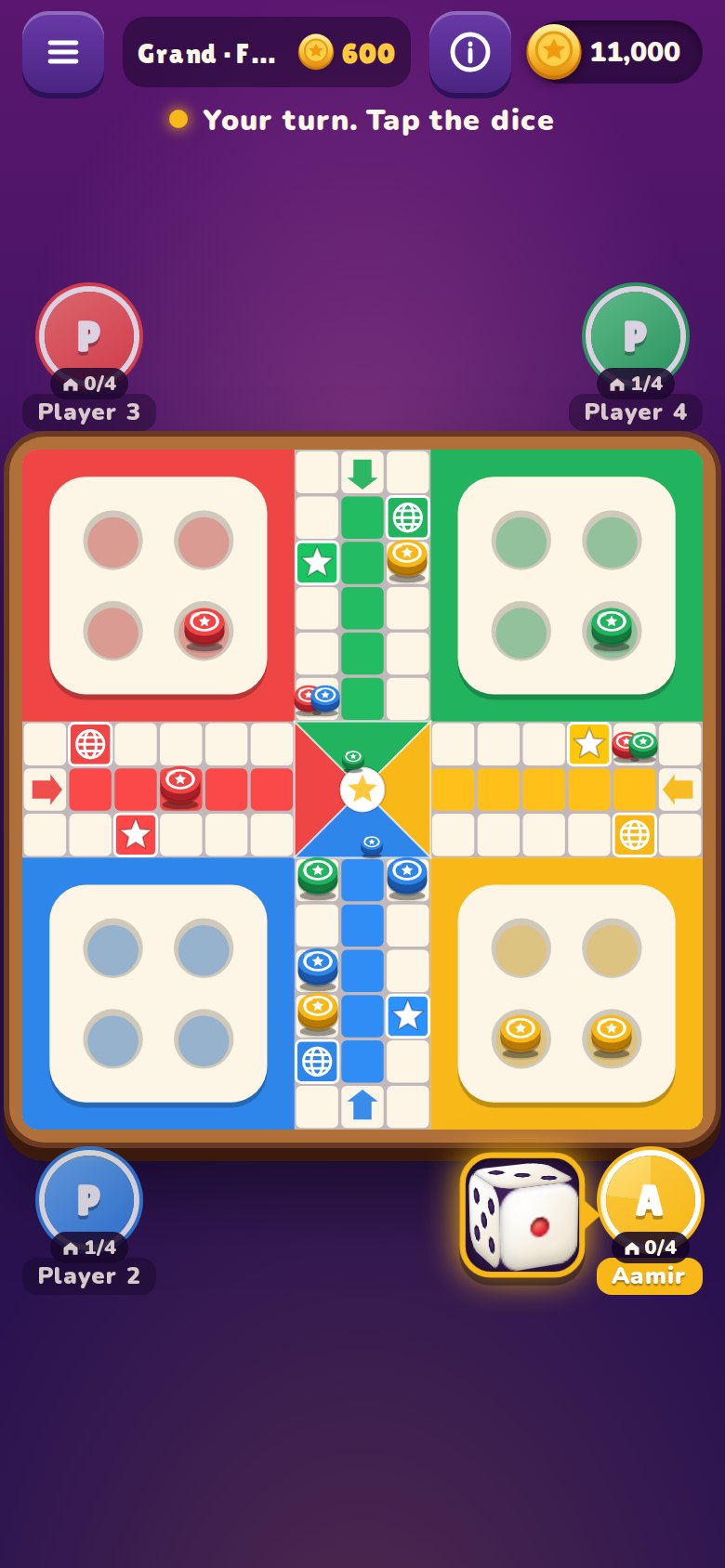
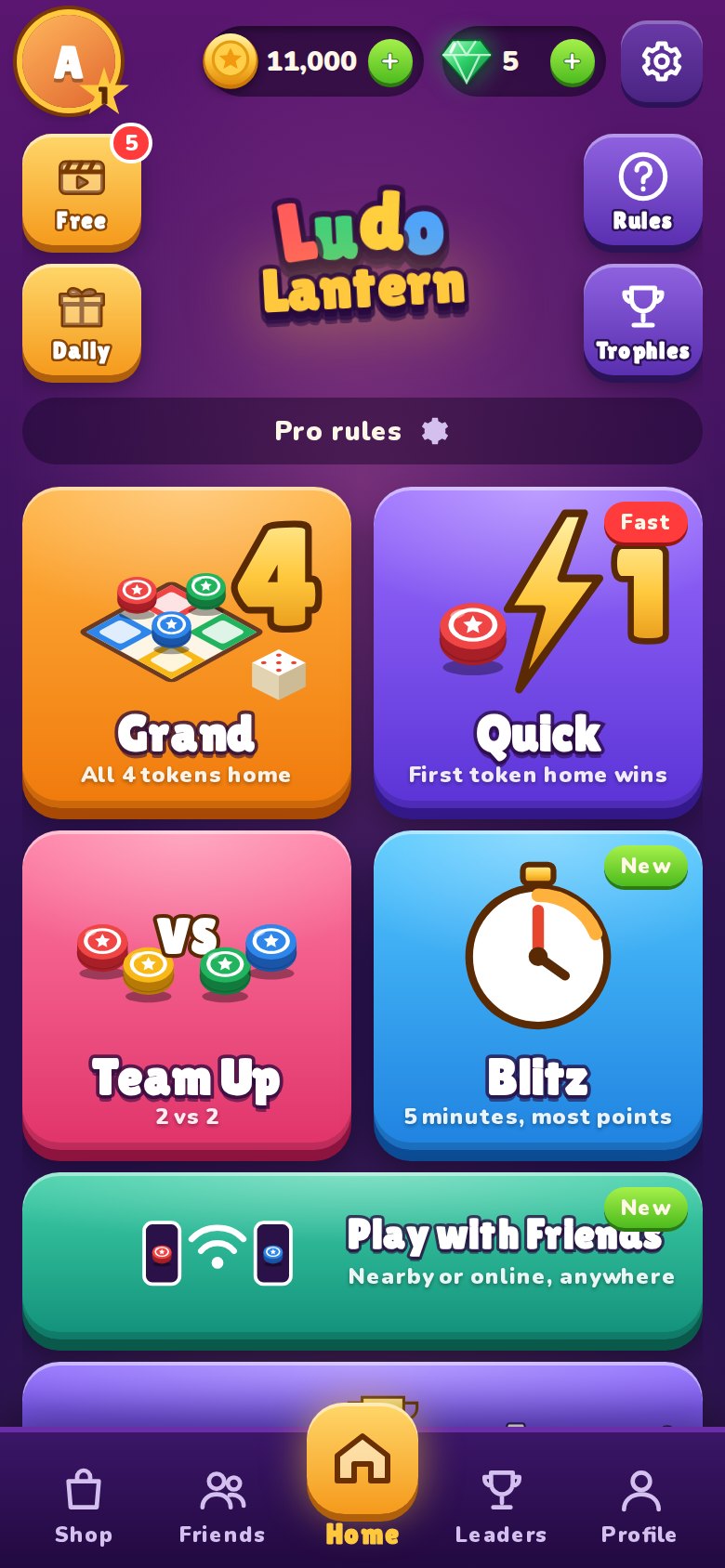
Four ways to play
Every game can be played at your level: Friendly, Pro or Master rules.
Quick
The first token home wins. Fast, tense and perfect for a short break.
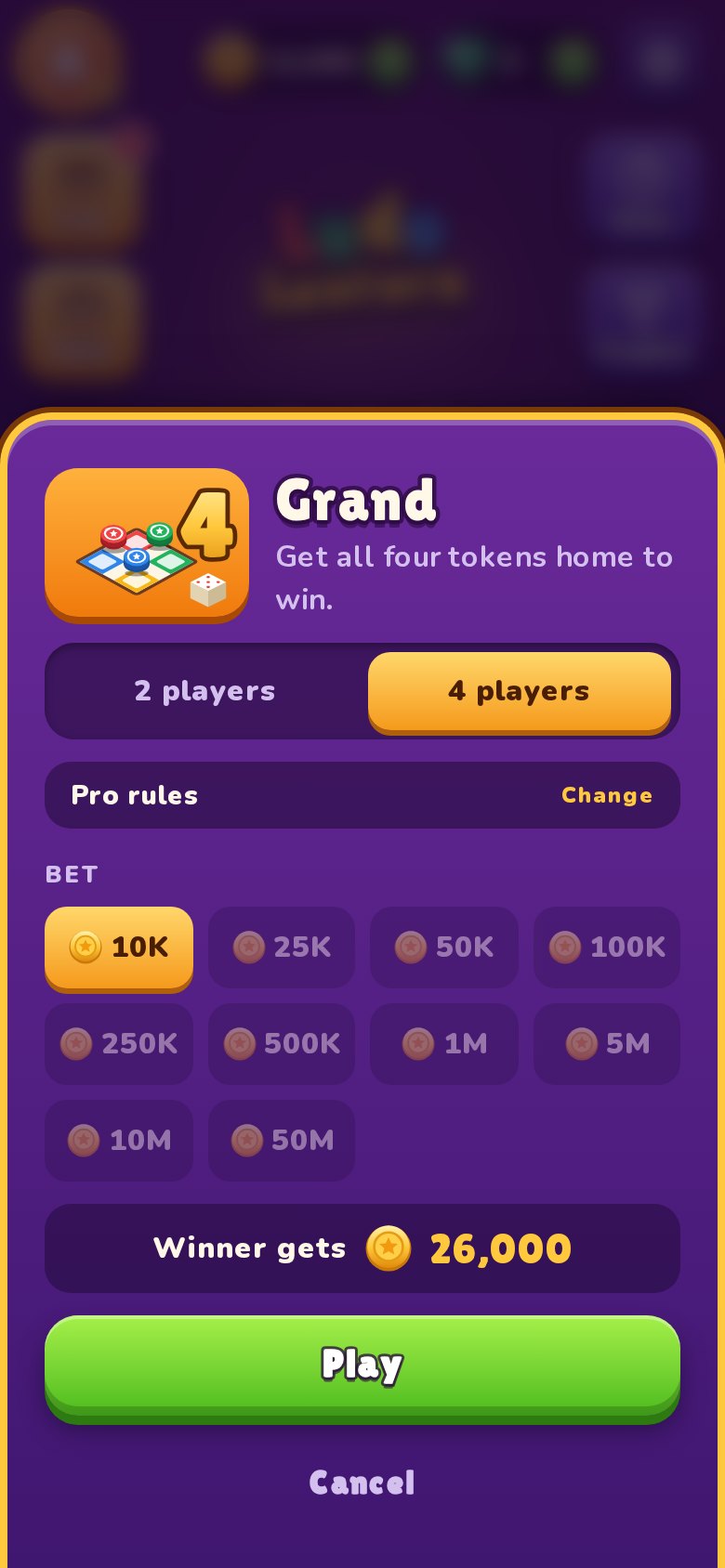
Grand
Race all four tokens home. The full game of strategy, kills and comebacks.
Team Up
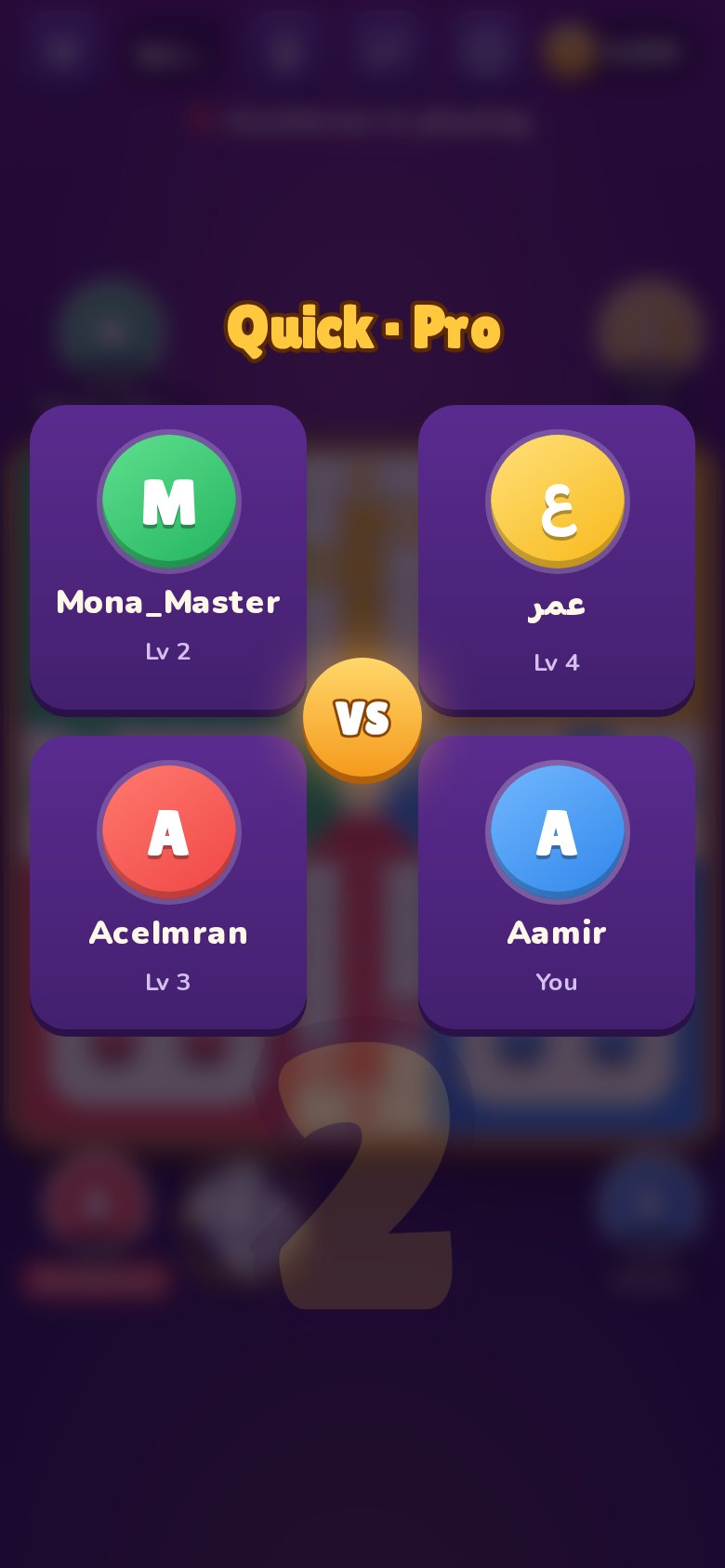
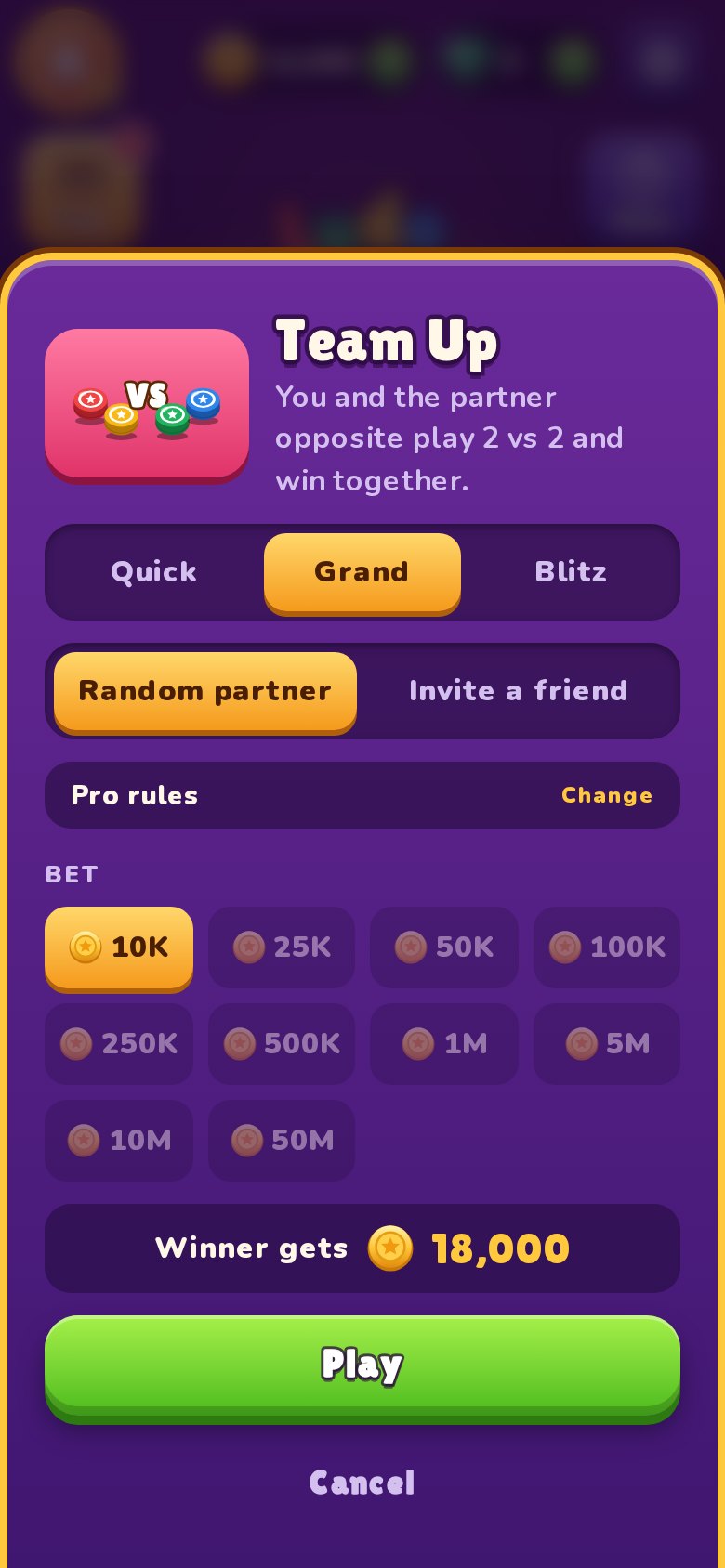
Play with a friend or a random partner. Share your dice and win together.
Blitz
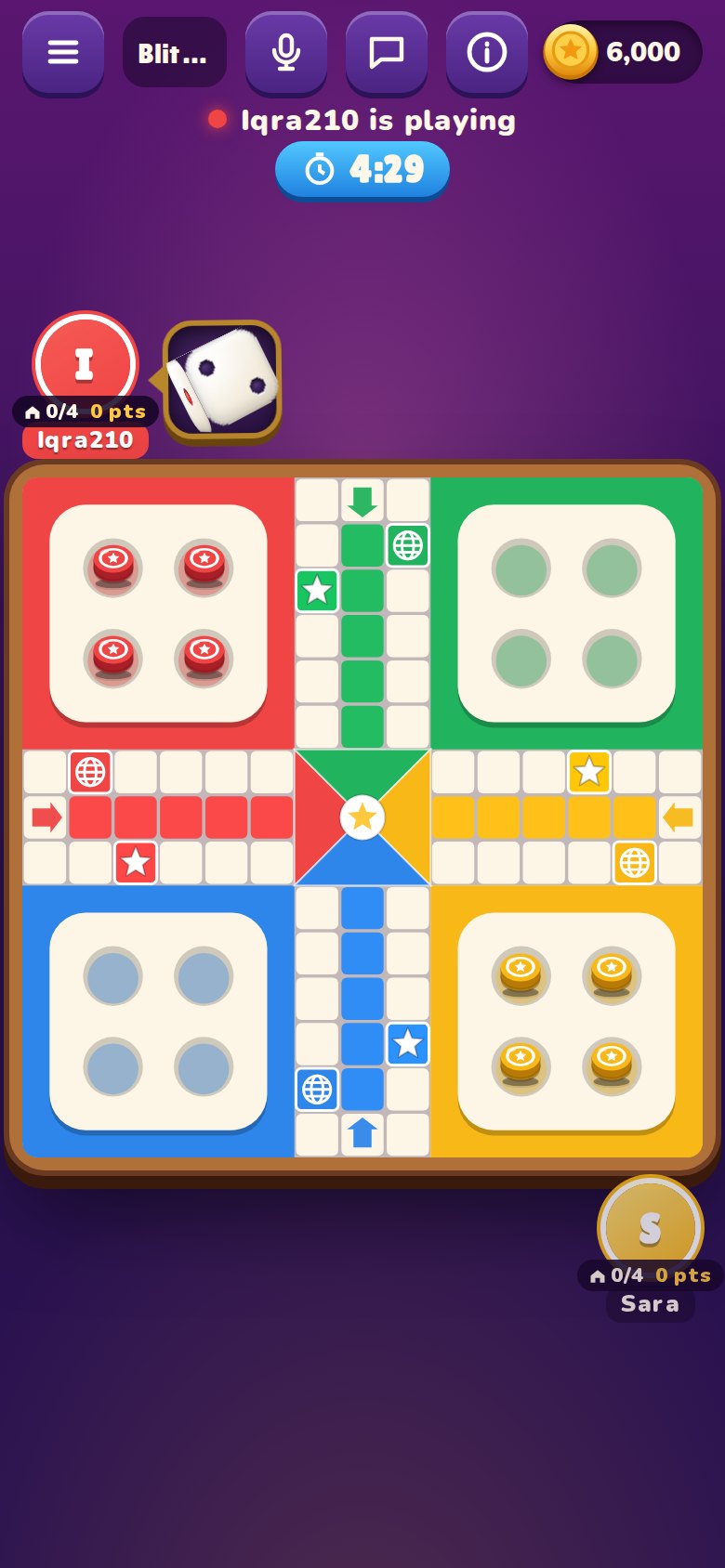
Five minutes on the clock. Points for every step, kill and token home.
Everything a Ludo fan wants
Built for fair, friendly competition, online and offline.
Play worldwide
Get matched in seconds with players who picked the same game and entry fee.
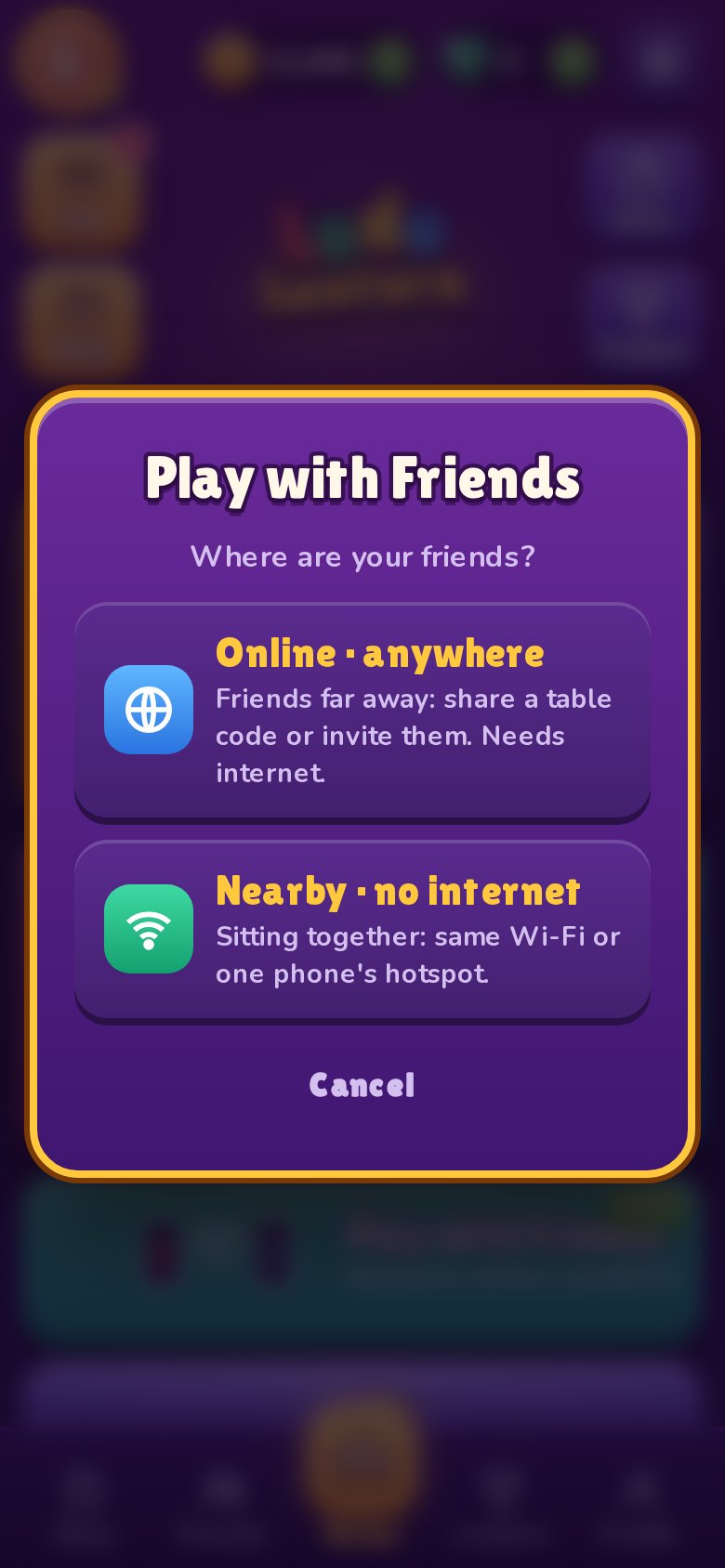
Friends, no internet
Sitting together? Join one phone's Wi-Fi or hotspot and play, even with no internet.
Friends far away
Create a private table, share the code on WhatsApp, and play from anywhere.
Boards for every rank
You compete only with players of your own rank. The top 10 win coins and gems every week and every month.
VIP Race
Earn XP all month. The best player of each rank becomes its Player of the Month and gets a month of VIP free.
Seasons
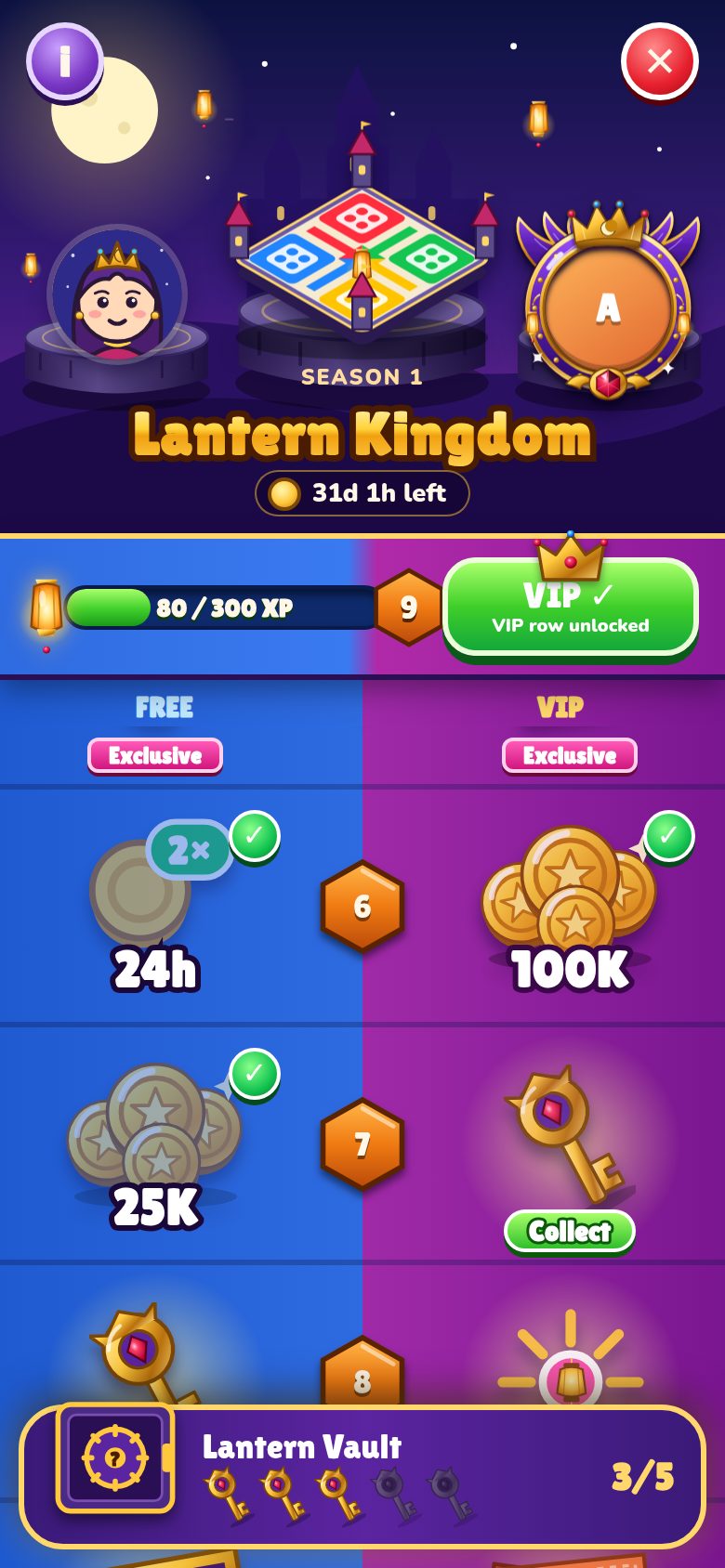
Season 1, Lantern Kingdom: the XP from every game lights lanterns. Collect 30 lanterns of rewards, open the Lantern Vault with keys, and win items that are never sold.
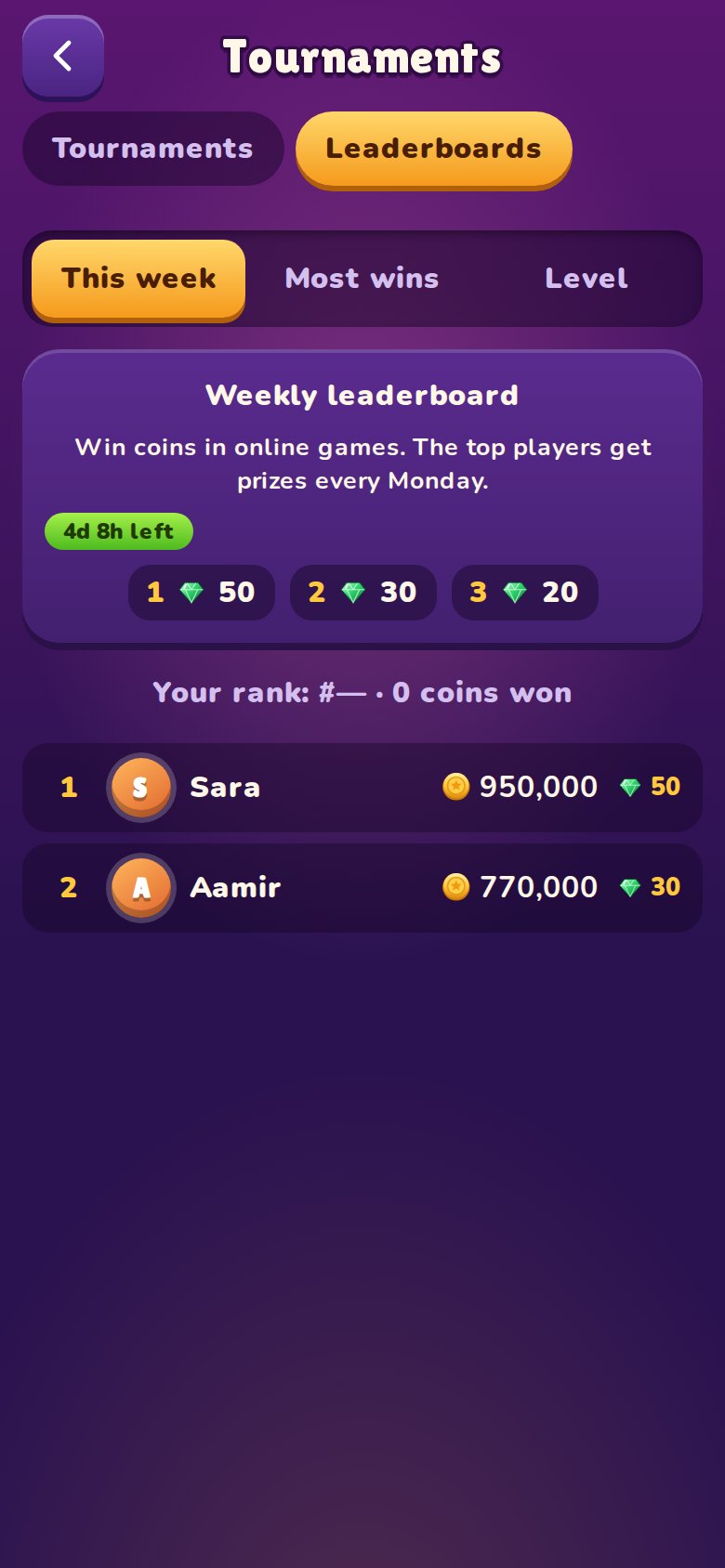
Tournaments
Join once, play at your own pace all week, and the most wins take the prizes.
Chat & voice
Chat with everyone at the table or privately with one player. Voice only when both of you say yes.
30 ranks to climb
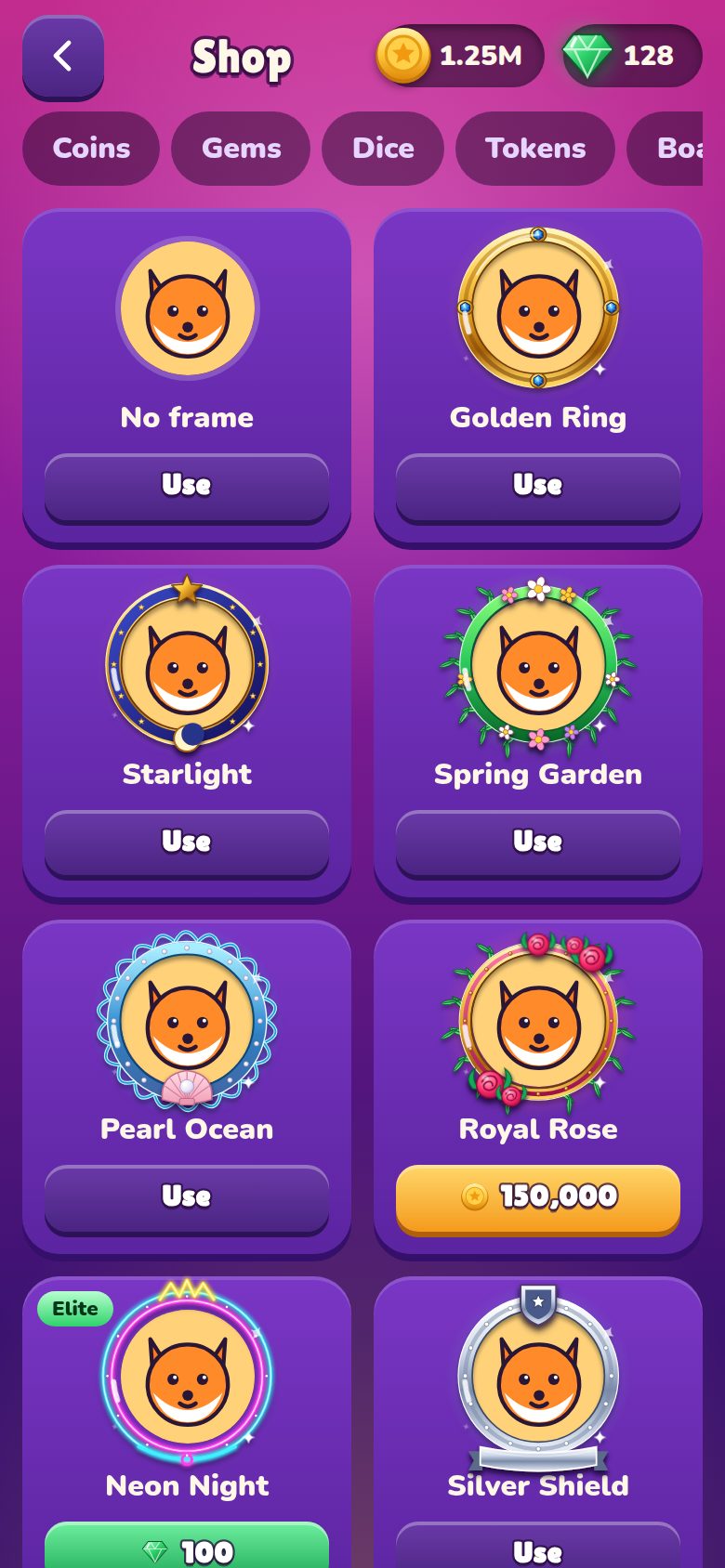
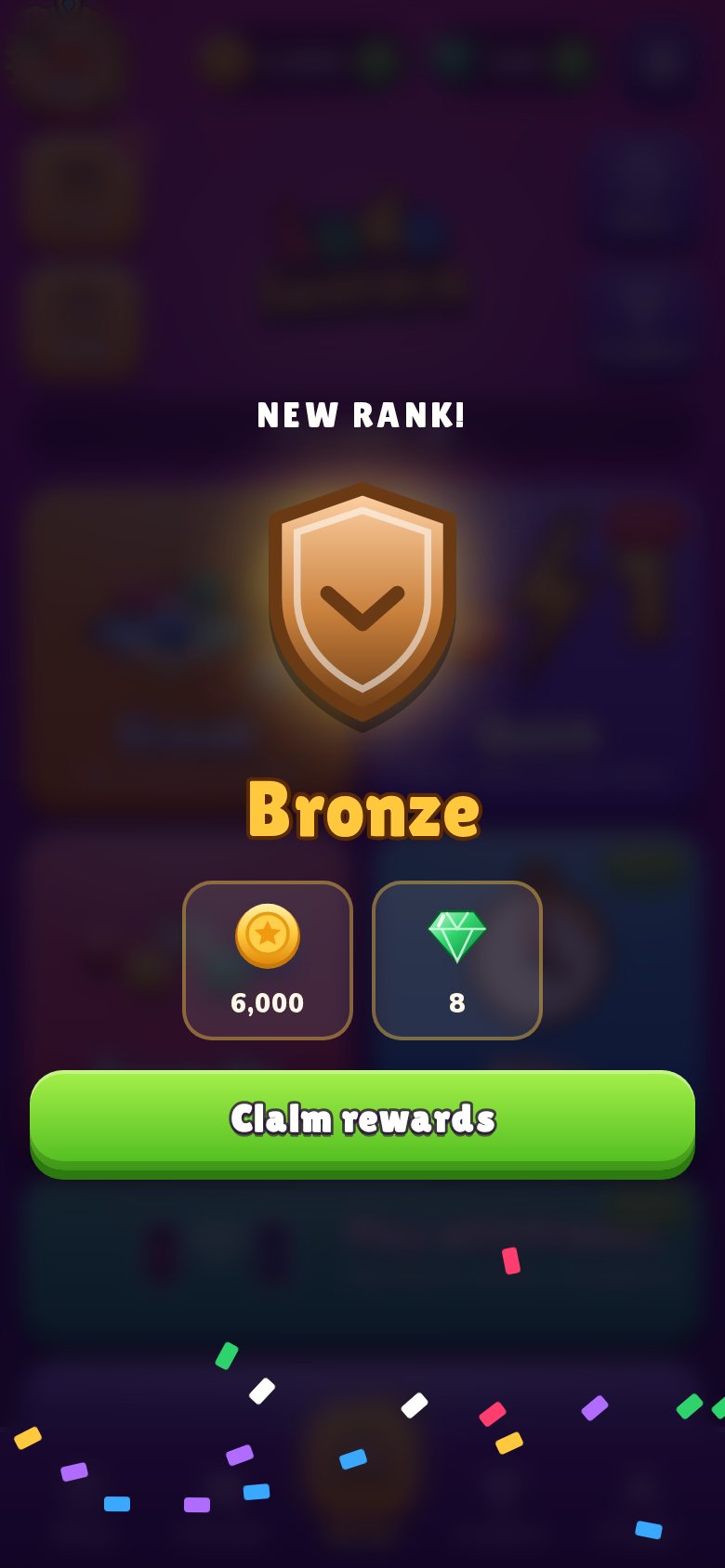
From Rookie to Supreme. Every game gives XP; every new rank pays coins and gems and unlocks special frames and avatars.
Make it yours
Bright Blue, Royal Gold and Sunny Wood boards, picture boards from a lantern bazaar to outer space, 26 dice (from lantern and dragon dice to a treasure chest), 15 tokens (glass orb, crystal, shield, rocket, flame, neon), 14 avatars, 13 shining frames from Golden Ring to Royal Crown, or your own profile photo.
Fun sledging
Throw a tomato, an egg, a water balloon or a kiss at another player's picture, each with its own splash and sound.
Big moments
Kills, duos and tokens home come with their own animations and sounds. Play again with the same opponent in one tap.
A closer look
Swipe through the game.
Questions
Where can I download it?
On Android, get it free from Google Play. The iPhone version is coming soon to the App Store.
How do I get updates?
When a new version is out, the game tells you when you open it and lists what's new. Tap Update now to go to the game's page in Google Play (or the App Store) and update there.
Is Ludo Lantern free?
Yes. The game is free to download and play. You can optionally buy coins, gems or cosmetic items. Nothing you buy makes the dice better.
Can I play without internet?
Yes. Play against the computer anywhere, or with friends sitting with you: one phone hosts, the others join its Wi-Fi or hotspot. No internet needed.
Are the dice fair?
Online, the dice are rolled by our server, never by a phone, and every player gets exactly the same chances. Read more on our fair play page.
How do ranks work?
Every game gives XP. Collect enough XP and you move up a rank, from Rookie, Bronze and Silver all the way to Supreme (30 ranks). Each new rank pays coins and gems, and some unlock frames and avatars you can't buy. A regular player reaches the first new rank in about a week.
Can coins or gems be exchanged for money?
No. Coins and gems are for fun only. They have no cash value and can't be sold, withdrawn or exchanged for money.
How do I keep my progress on a new phone?
Sign in with Google, Apple or Facebook in Settings. Then sign in again on the new phone and your coins, gems, level and friends come with you.
Where are the daily missions and the rules?
Today's missions are the strip at the bottom of the home screen: tap it to see all three and claim your coins. Choose Friendly, Pro or Master rules and read How to play in Settings → Game, or tap the i card during a game.
What is a season?
A season lasts about a month. Every 300 XP you earn in games lights one lantern, and each lantern has a reward on the free row and one on the VIP row. Tap Season on the home screen to collect them. Rewards you reach but forget are added for you when the season ends. Season items (boards, dice, tokens, frames, avatars and game effects) are never sold in the shop.
What are the chances in mystery boxes and the Lantern Vault?
They are listed on our How to play page and in the game (tap i on the season screen). Keys come from the free and VIP rows only, never for money on their own.
How do I invite friends and what do I get?
Friends → Invite friends & earn. Share your promo code (your player code). When a new friend enters it and plays 3 games, you both get free coins. After that you also get 10% of what they win and buy, paid by the game. The most successful inviters win prizes every week.
Can I share my result?
Yes. On the result screen tap Share to send a picture of your result to Facebook, Instagram, WhatsApp or any app on your phone.
My partner lost connection in Team Up. What happens?
If their connection drops, you play their side until they are back (if you don't move in time, AUTO does). If they leave on purpose, their team loses.
Where can I see everything I own?
Settings → My collection. It lists every dice, token, board, frame and avatar in the game. The ones you own are in colour and the ones you do not own yet are dimmed, with a counter for each kind.
How do I sign out or switch to another account?
To switch: Settings → Account → pick the other account (Google, Apple or Facebook). You stay signed in while it checks the new login, and your progress comes with you only if the login works. If it fails or you cancel, nothing changes. If that account already has its own progress, the game asks before loading it. To sign out: Settings → Account → Sign out. The game asks if you want to take your progress with you to the next account. A profile is kept with one sign-in only, and a sign-in belongs to one profile only.
How do I delete my account?
In the game: Settings → Account → Delete account. Or see Delete your account.
More answers on the support page, or write to support@ludolantern.com.